
1
Load up
Choose a drum kit or instrument preset to start with.
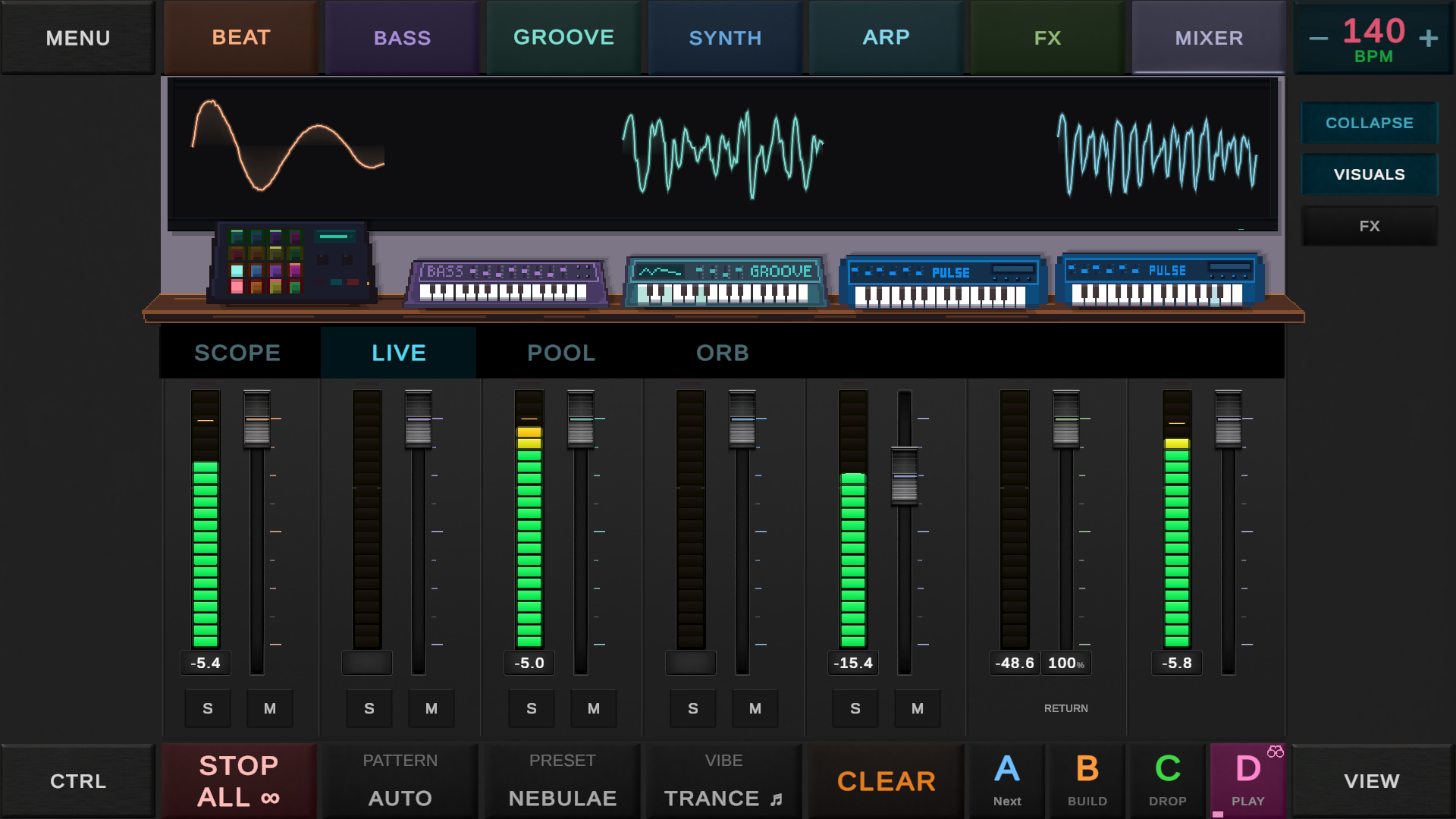
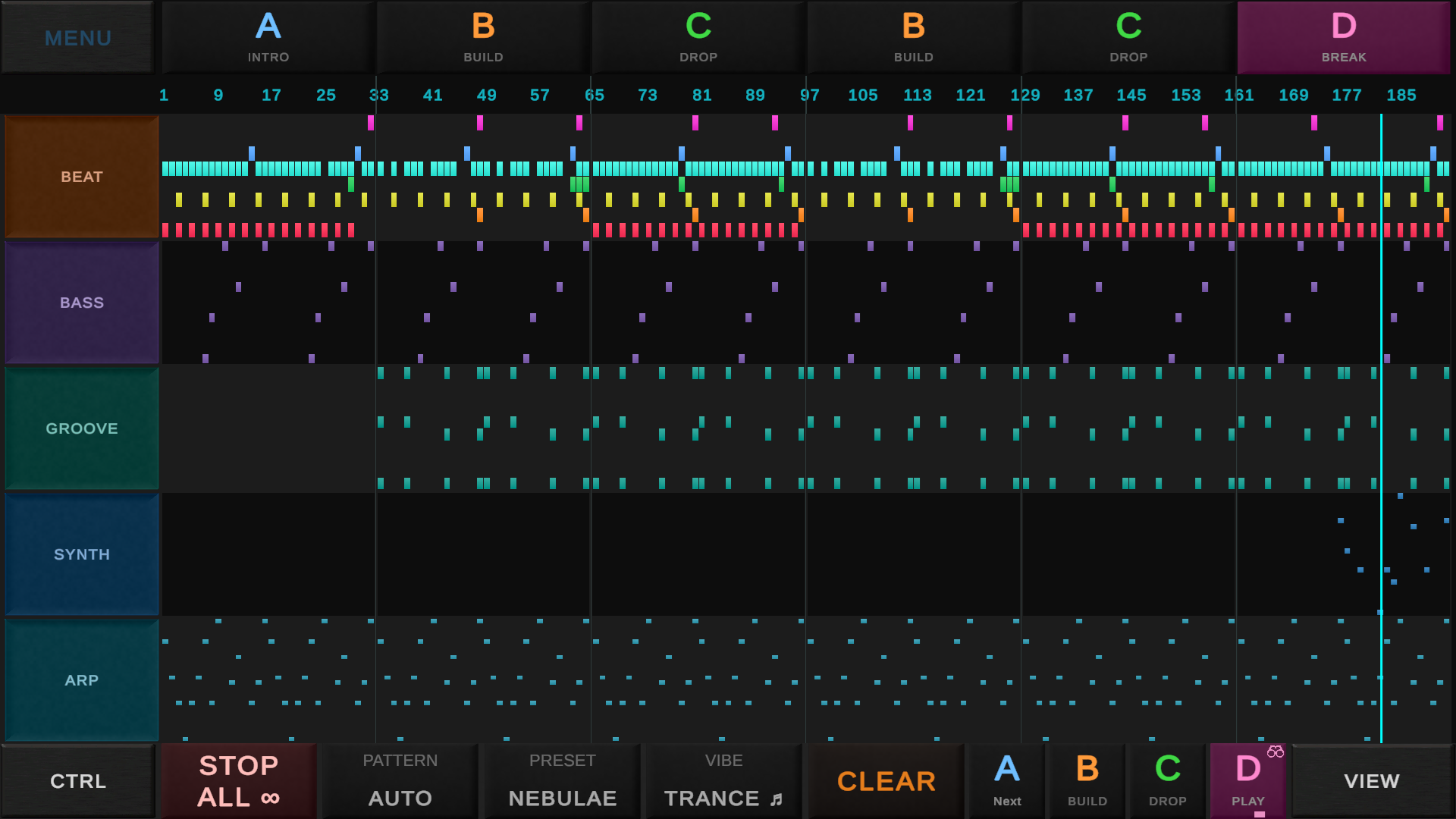
Play instruments, build beats and shape their sound while the pattern plays. Play together in local Jam Mode.
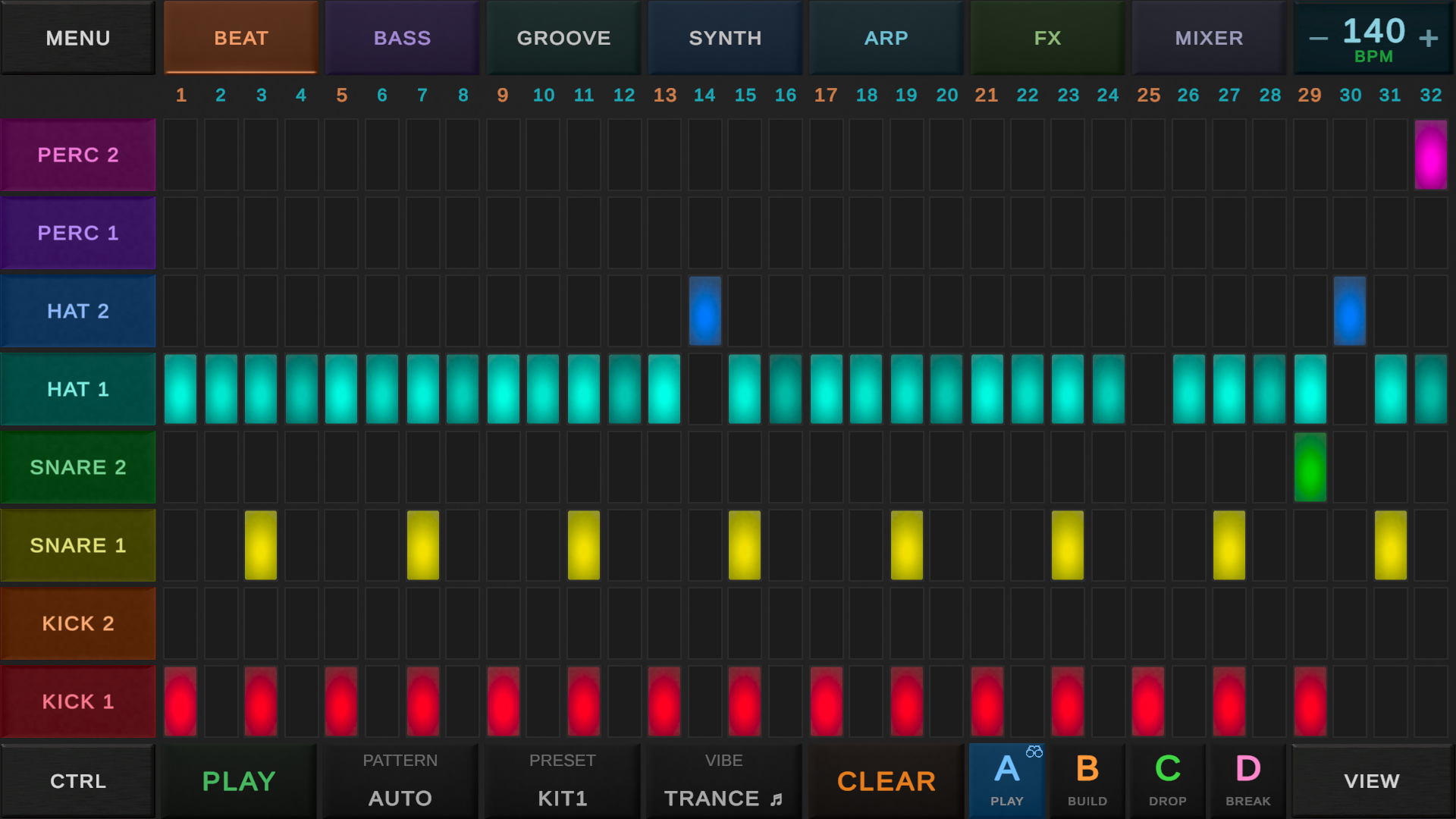 Build a beatWrite drum patterns on the step grid.
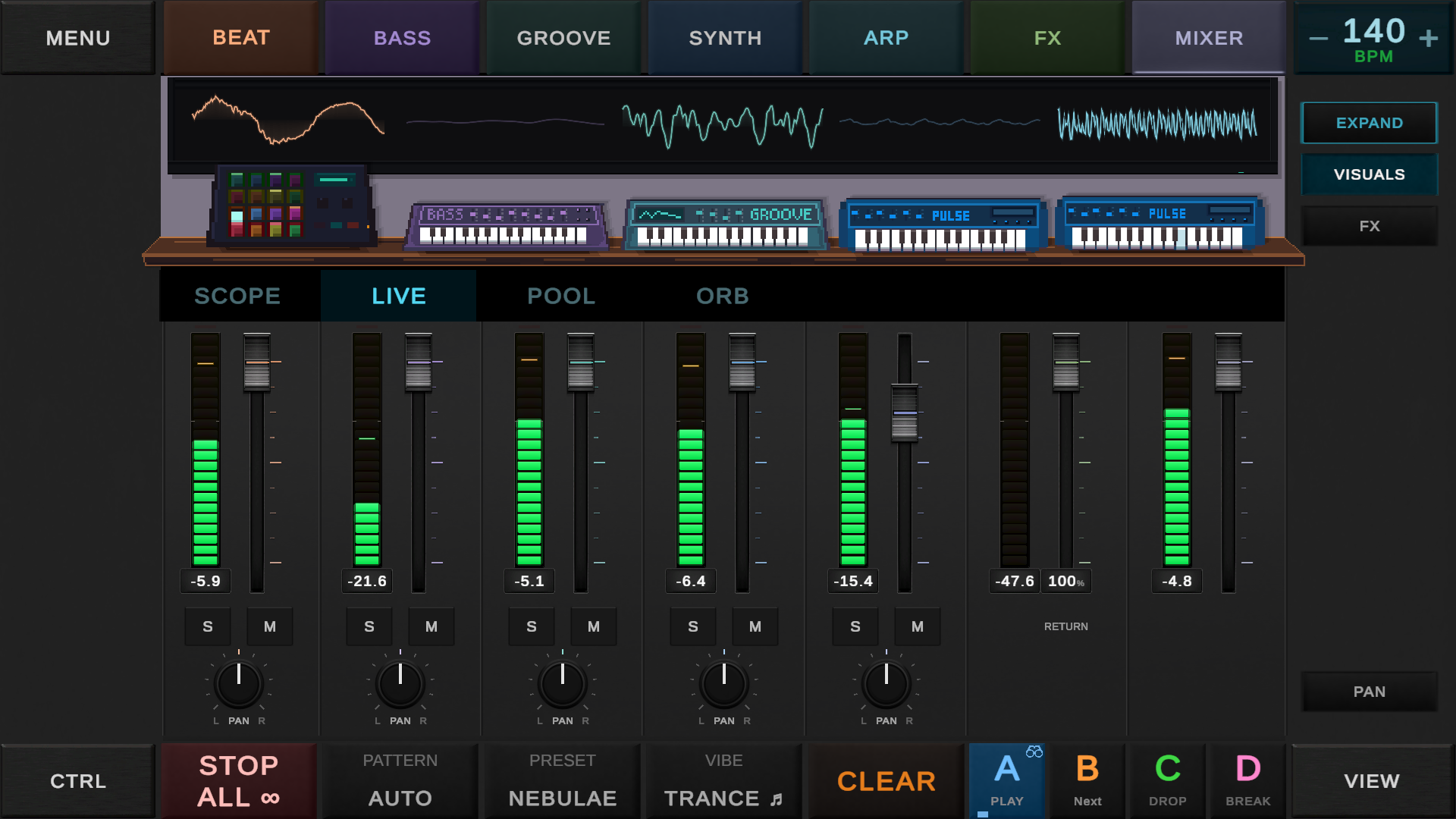 Play and mixInstruments and mixer in one view.
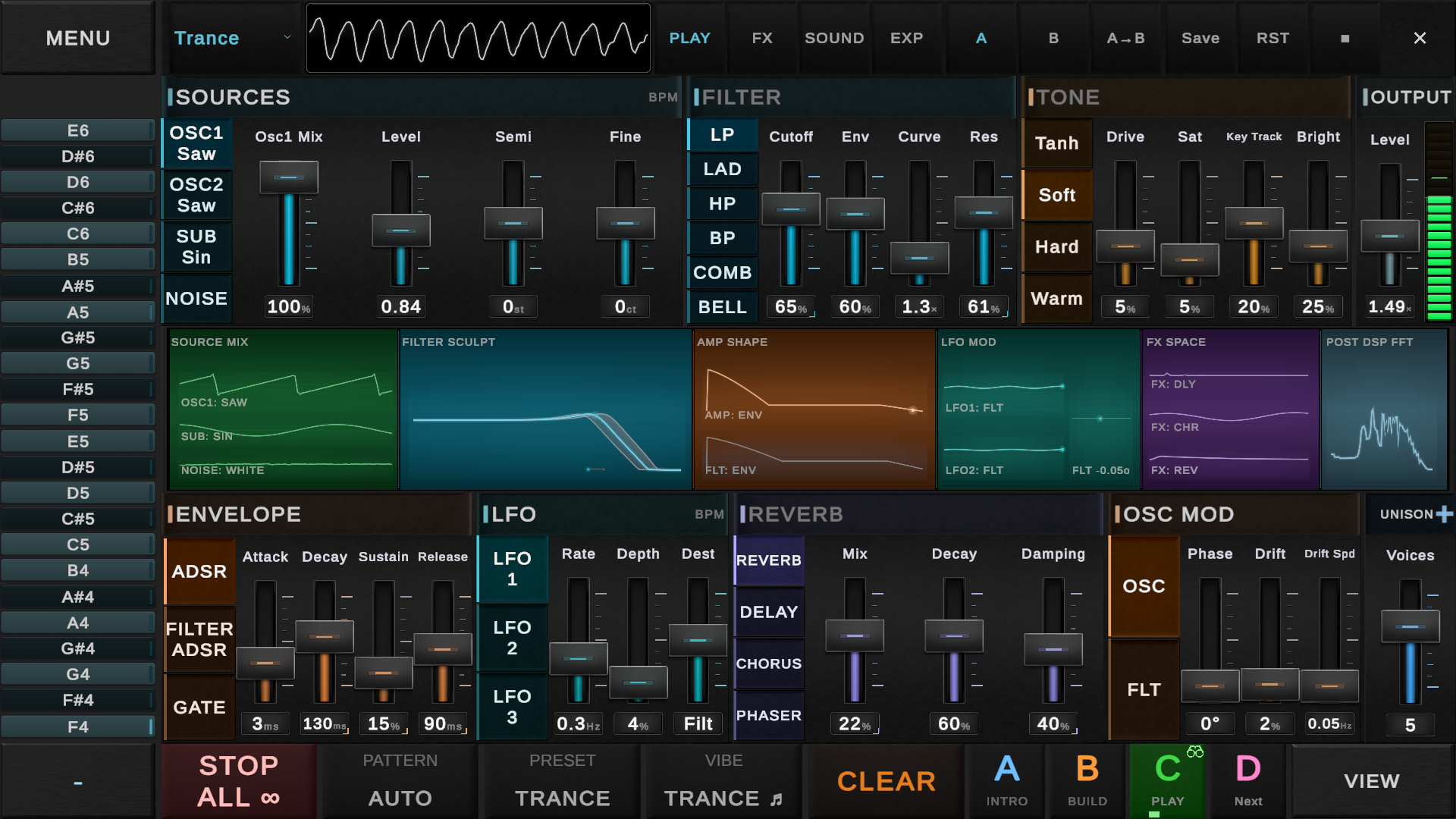 Shape the soundOscillators, envelopes, filters and effects.
A recap of the DSP, instruments and effects work, plus the first demo for Windows and Android.
September development screenshotBetter sounds, more presets and new ways to get a pattern started.
September development screenshot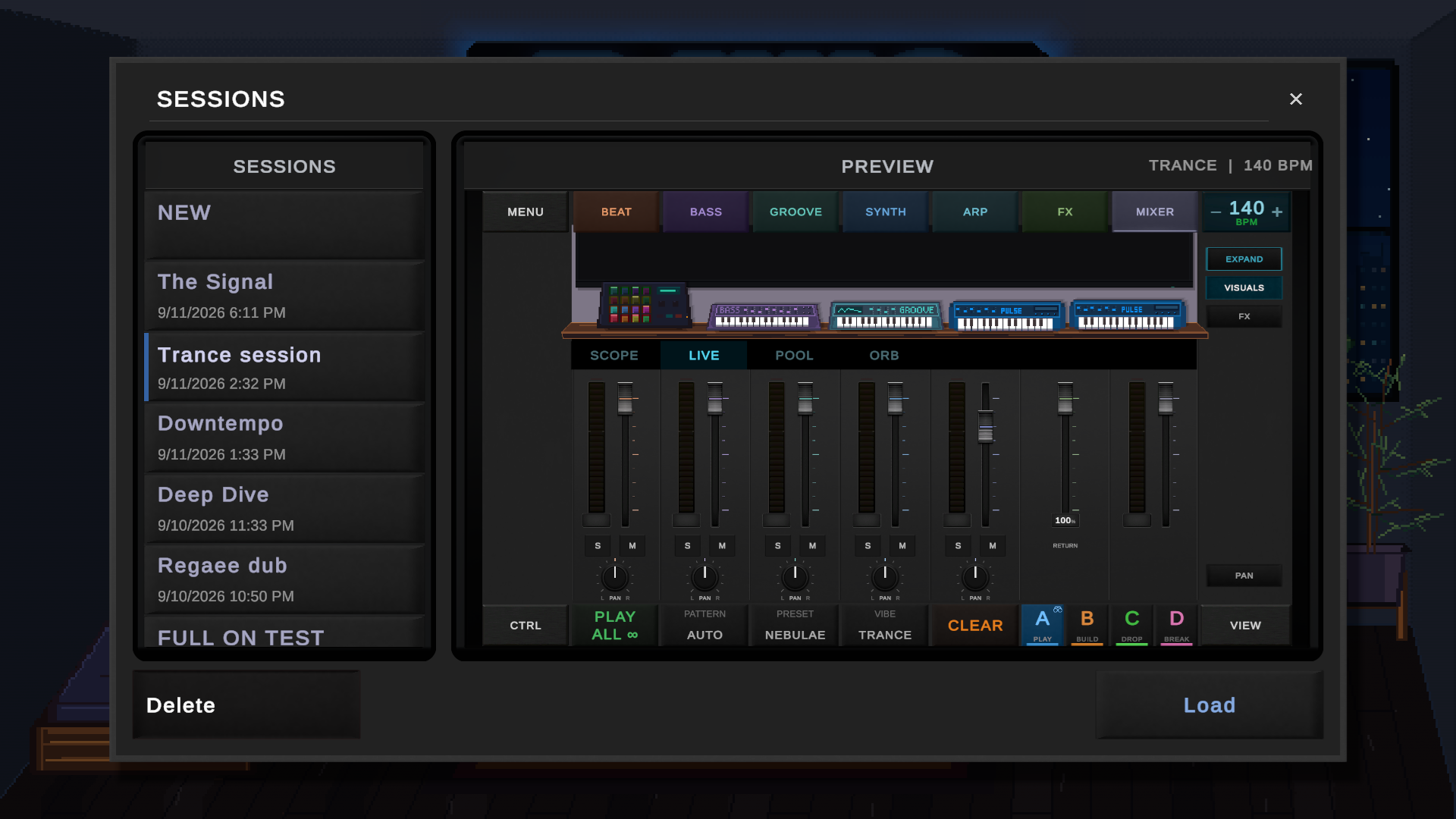
Updated effects, wheel menus and session saving in the August beta.
September development screenshotChoose an instrument, write a pattern, then arrange and mix it with the other parts.
Simple mode: tap cells on a grid to build patterns. Each row is a pitch or drum sound. 8, 16, 32, 64, or 128 steps. Notes can be restricted to the selected scale.
DAW mode: full piano roll with chromatic viewport. Draw notes with variable length, adjust velocity, drag to reposition. Marquee selection, quantize, snap-to-grid.
Switch between the two views to edit the same notes.
Step sequencer guide →Every instrument gets its own channel strip: volume fader, pan knob, mute, solo. The master bus has a real-time spectrum analyzer, VU meters, and integrated LUFS loudness monitoring.
A way to start your first session.
Choose a drum kit or instrument preset to start with.
Add notes to the grid or record them with a MIDI controller. Play the pattern back as you edit.
Adjust the instrument’s filter and effects, then balance its level in the mixer.
Export a WAV file to share or use in another project.
Videos of DAWG sessions and development.
Click a card to explore the September development build.
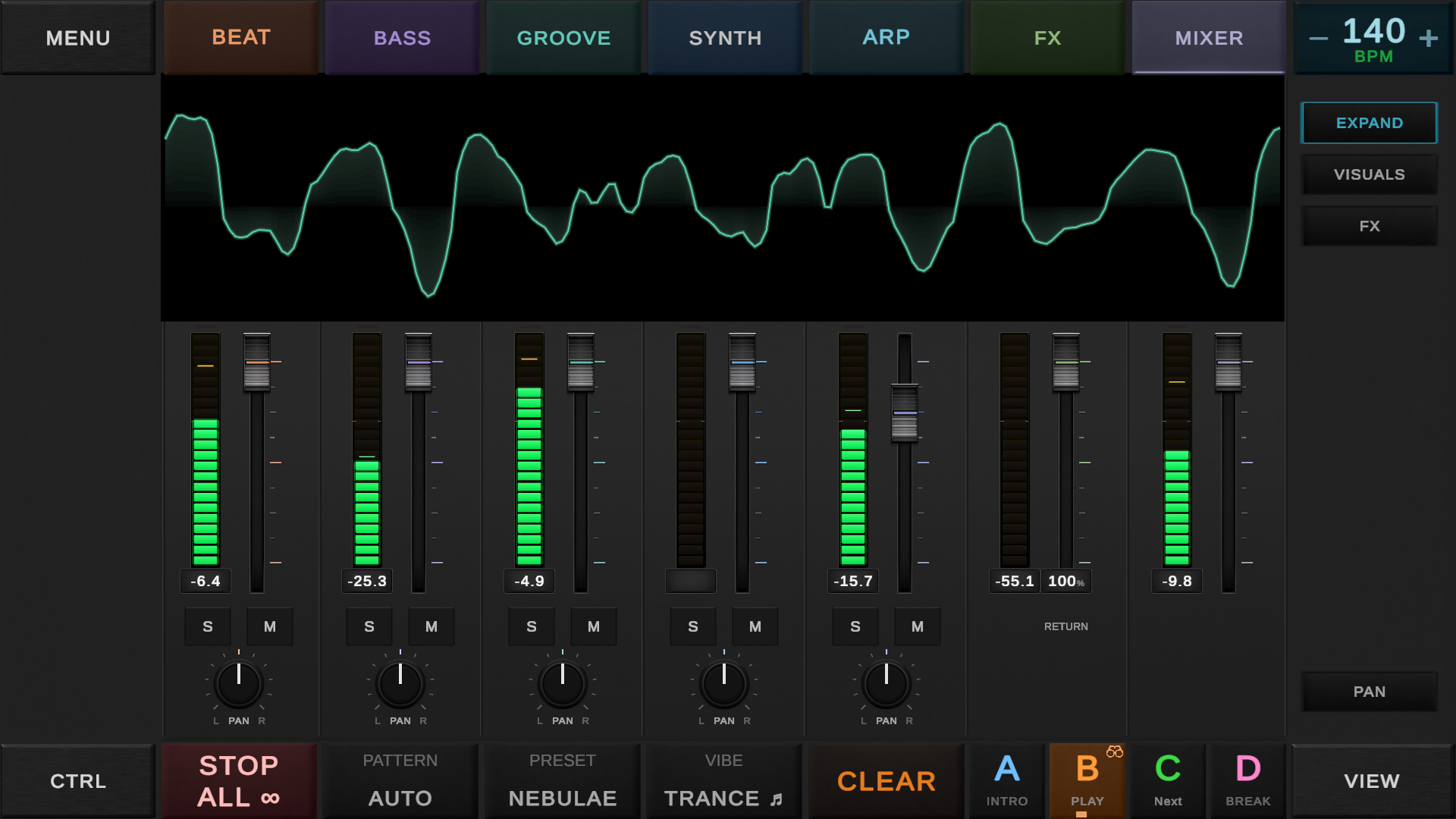
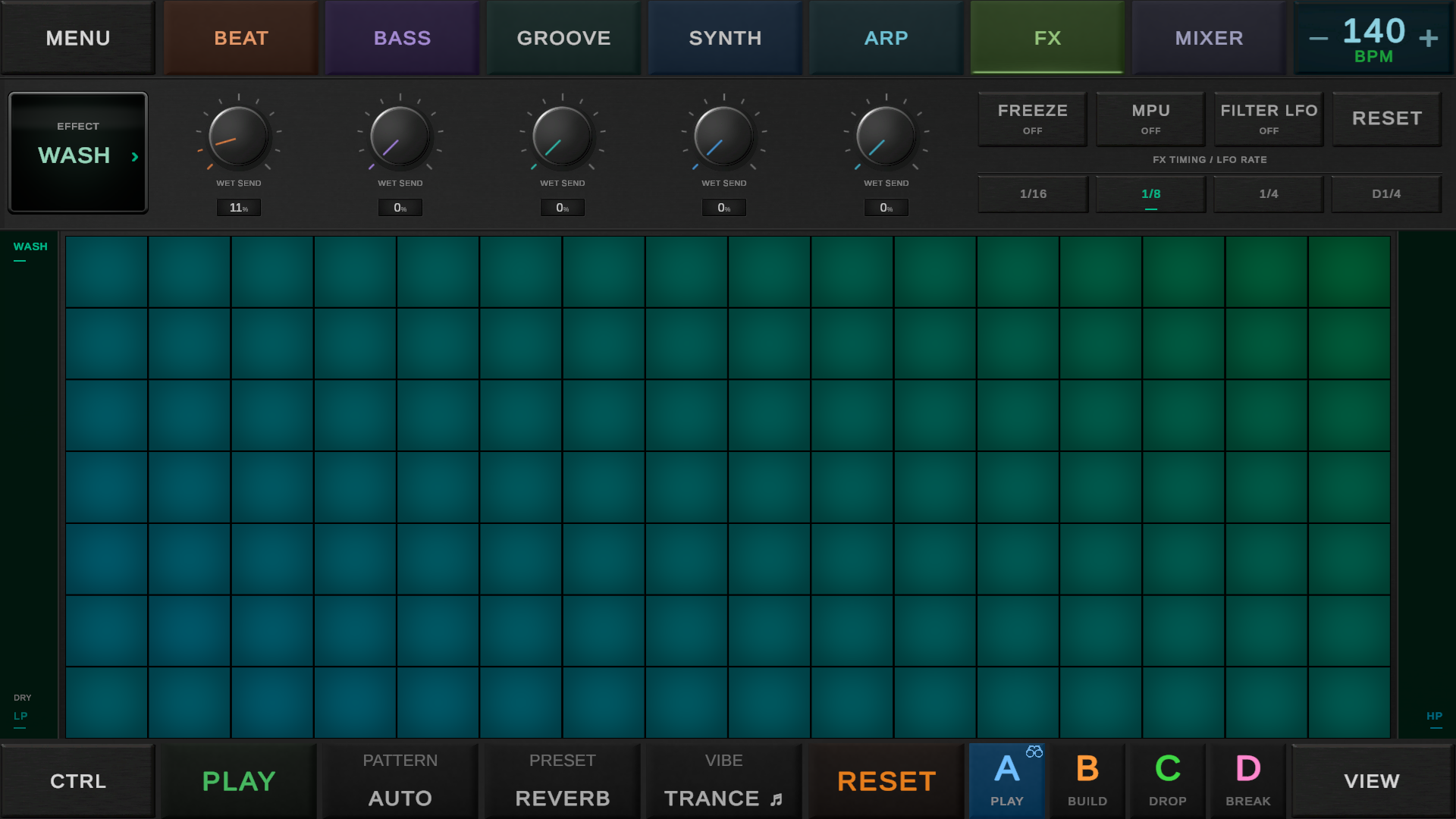
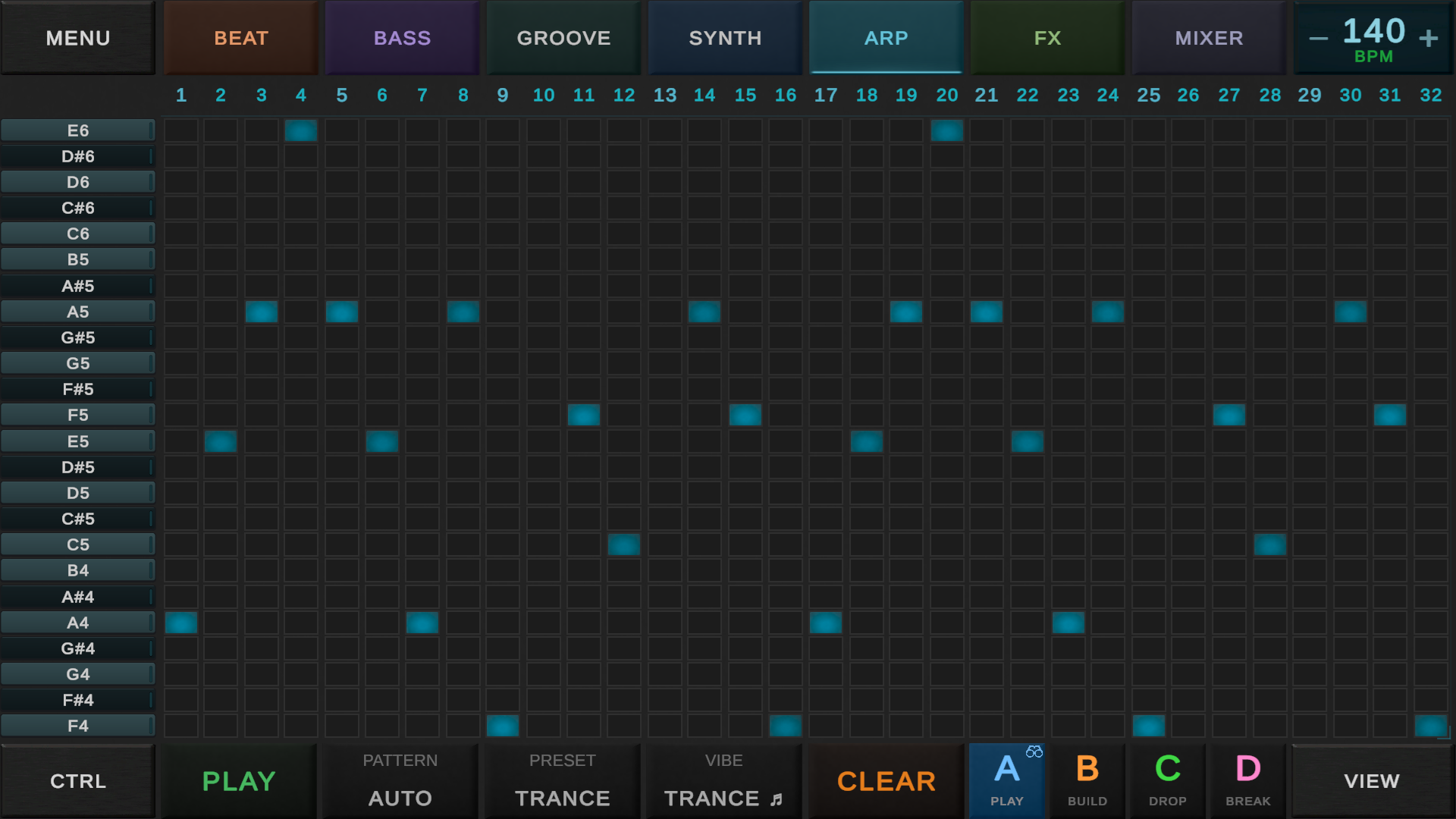
Digital signal processing (DSP) generates and changes the audio you hear. These controls set the waveform, its tone and how it develops during a note.
An oscillator repeats a waveform at the note’s frequency. A sine wave gives a smooth tone; saw and pulse waves contain more harmonics. Mix sources and adjust their tuning to change the starting sound.
An ADSR envelope changes a level over time: attack is the rise, decay falls toward the sustain level, and release is the fade after the note ends. A short attack suits a pluck; a slower attack lets a pad swell in.
A low-pass filter removes frequencies above its cutoff, making a sound darker. A high-pass filter reduces the low end. Resonance emphasizes frequencies near the cutoff. Moving the cutoff changes the tone while the note plays.
Delay repeats the sound; reverb adds a decaying sense of space. Saturation adds harmonics, while chorus mixes in modulated copies. Balance the processed sound with the dry signal so the original note stays clear.
Use the mouse and keyboard, a touchscreen, a MIDI controller or a gamepad.
Works on Android phones, tablets, touchscreen laptops, and Steam Deck touchscreen.
Touch production guide →Also supports accelerometer and gyroscope for motion-based expression, microphone input for sampling, and USB audio interfaces (ASIO on Windows) for low-latency monitoring.
Every device connects to your main device. Phone, PC, or Steam Deck is always the hub.
Tap the grid, twist effects, export WAV. Touch-first interface means your fingers are the controller. Choose wired or wireless headphones to suit your setup.
Android guide →MIDI keyboard connects to your phone via Bluetooth or USB OTG. Headphones via Bluetooth, 3.5mm, or USB-C. Use the keyboard to play and record melodies. DAWG Approved: RockJam Go 25.
Recommended gear →MIDI keyboard plugs in via USB or pairs over Bluetooth. Headphones via the audio jack, USB, or Bluetooth. Mouse and keyboard for the grid and mixer. The most common DAWG setup.
Keyboard shortcuts →Lean back with a gamepad - Xbox, PlayStation, or 8BitDo. Steam Deck has controls built in. D-pad to navigate, triggers for BPM, bumpers to switch tabs. Headphones via 3.5mm, USB, USB-C, or Bluetooth. DAWG Approved: 8BitDo Ultimate.
Steam Deck guide →MIDI keyboard connects via USB or Bluetooth. If your keyboard has 5-pin DIN MIDI output, connect it to the audio interface's MIDI input instead - the USB cable carries both audio and MIDI to the PC. Monitors connect to the interface over balanced TRS or XLR. Low-latency ASIO output, proper monitoring, VU metering. This is what DAWG is developed on. DAWG Approved: RockJam Go 25 + MOTU M4.
Recommended gear →XLR or 6.3mm mic into the audio interface, USB to the PC. Monitor through the interface's headphone jack with zero-latency direct monitoring. Record into the Recording Booth - build custom drum kits from real objects, or feed the Looper for auto-sliced beat loops. On mobile, your phone's built-in mic or a wireless mic like the DJI Mic 2 works too. DAWG Approved: MOTU M4.
Recording Booth →DAWG Tools makes DAWG and a set of Unity development tools.
A music-making app with a step sequencer, playable instruments, effects and a mixer. See itch.io for the available builds.
Unity packages developed alongside DAWG, including tools for color, motion, audio and text animation.
DAWG is made by one developer. The devlog covers new builds, changes and work still in progress.
Get the latest public build on itch.io. The store page lists the available downloads and release notes.
Browse the Unity packages, including OKLab Pro for color and Smooth Pro for motion. Each package page covers its features and usage.